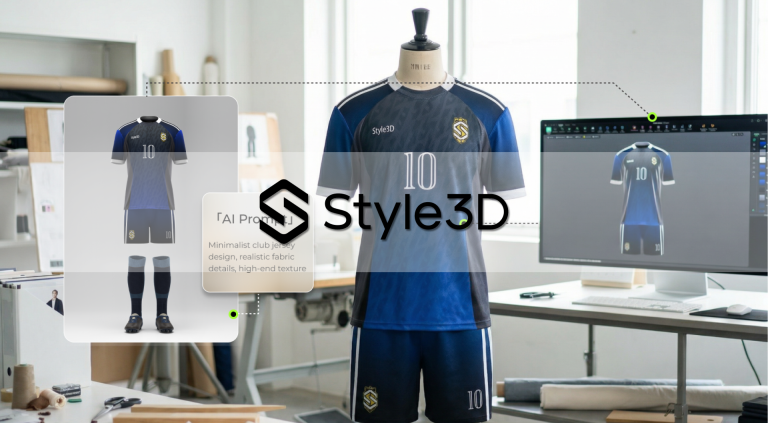
The fashion industry is entering a new phase of AI adoption. While generative AI makes it easier to turn ideas into visual concepts, enterprise apparel development requires much more than image generation. From garment setup and pattern development to digital fitting, costing, and production preparation, every step demands accuracy, efficiency, and a seamless connection between design and production. In our upcoming LinkedIn Live(15 September 2026, 16:00 CEST / 10:00 EDT), we’ll take a closer look at how AI + 3D can move beyond visual creation and become a more practical part of the apparel development workflow.
The next opportunity is to move from AI + 3D output to enterprise value—bringing AI into the actual development workflow to automate repetitive tasks, accelerate iteration, and support more efficient decision-making. Style3D Studio V10.0 takes a step in this direction by combining AI-powered automation with professional 3D capabilities across apparel development, helping teams turn digital workflows into tangible productivity gains.
AI-Powered Arrangement and Sewing
Creating a 3D garment starts with essential but repetitive setup work: arranging pattern pieces and establishing sewing relationships before simulation. Studio V10.0 introduces AI Automatic Arrangement and AI Auto Sewing to automate these steps, helping users move from 2D patterns to a simulation-ready 3D garment with less manual effort.
By simplifying the setup stage, teams can spend less time on repetitive preparation and more time refining garment structure, fit, and appearance.

More Efficient Digital Modeling
Studio V10.0 brings a range of practical improvements to make digital modeling more efficient and precise. Automatic zipper tooth extension simplifies zipper construction by automatically extending zipper teeth along the required length, reducing repetitive manual adjustments and making garment setup faster.

The optimized woven editor further streamlines woven fabric development, making material editing and adjustment more efficient. Together with these modeling improvements, Studio V10.0 also enhances initial simulation and ray-tracing startup speed, allowing users to enter simulation and high-quality visualization more quickly and spend less time waiting between iterations.


AI Connects Design to Production
With V10.0, AI + 3D extends beyond visualization into production-related workflows. BOM Costing brings cost estimation closer to digital product development, giving teams earlier visibility into materials, trims, thread, and other cost components. BOM data can also be exported with details such as weight, composition, and price.

Print production is another area where complex, repetitive operations can slow down the workflow. V10.0 introduces an AI-assisted print production workflow powered by MCP (Model Context Protocol), connecting Style3D with AI Agents. With natural-language commands, users can interact with the workflow more intuitively and streamline tasks such as print placement, text scaling, color settings, marker management, QR codes, and batch output.

By connecting AI Agents with production-oriented 3D workflows, Studio V10.0 makes complex print preparation easier to interact with and helps teams refine the workflow for greater efficiency.
More Freedom in Pattern Creation
Studio V10.0 introduces more flexible tools for pattern creation and editing, giving pattern makers greater control over how garment pieces are constructed and refined. With Free Lines, users can draw and modify lines more freely when developing pattern structures, making it easier to explore different shapes and refine pattern details without being restricted by conventional editing methods.

For larger pattern adjustments, users can select multiple points or lines and scale them together with controlled precision. This makes it easier to adjust broader areas of a pattern while maintaining control over the selected elements, reducing the need for repeated individual edits and making pattern refinement more efficient.

Studio V10.0 also supports filled dart DXF export, helping users carry refined pattern information into downstream workflows. By preserving filled dart details when exporting DXF files, pattern data can be transferred more smoothly between digital development and subsequent pattern or production processes.

Together, these capabilities give pattern makers greater freedom without compromising precision. They make it easier to experiment, revise, and refine patterns, helping digital pattern development better accommodate the creativity and complexity of modern apparel design.
More Improvements for Everyday Development
Beyond the major upgrades above, Studio V10.0 also brings a range of practical improvements across pattern development, modeling, materials, and digital asset workflows:
· Pattern Development: Different-vertex pattern replacement, 2D measurement line visibility controls, and 3D avatar line intersection.
· Pattern Data Exchange: Automatic reference-line recognition when importing DXF files.
· Modeling: Welt strip auto-merging, independent grain direction for fusible interlining, and topstitch preview.
· Digital Asset Output: Internal line export for GLB, OBJ, and FBX formats.
· Visualization & Materials: Hair direction control, custom background images, and rib texture that follows trim contours.
· Global Accessibility: Optimized woven editor and Arabic language support.
Want to see what’s new in Studio V10.0? Join us live on LinkedIn. We’ll take a closer look at how AI + 3D is reshaping apparel development.
15 September 2026
16:00 CEST / 10:00 EDT
Join the Live →